



Can you really get a free MacBook in 2026?
Yes, sometimes, but the route is usually specific. A student may receive a school-issued MacBook, a department may lend one for coursework, a college may offer a technology grant, a disability or vocational program may fund necessary equipment, or a local computer program may have refurbished Apple inventory. What you should not expect is one federal application that sends a new MacBook Air or MacBook Pro to every low-income applicant.
On this page
- What “free MacBook” usually means
- Six realistic MacBook routes
- Free MacBook routes for students
- Financial aid, Pell and technology costs
- EBT, Medicaid and low-income routes
- Disability and vocational rehabilitation routes
- Apple education pricing
- How to evaluate a refurbished MacBook
- How to improve your chances
- Best alternatives if Apple is unavailable
- Common MacBook questions
- Official sources
“Free MacBook” can describe several very different outcomes
People searching for a free MacBook are not always looking for the same thing. A college student may need macOS for a design program. A low-income household may simply want a reliable premium laptop. A person with a disability may need specific software or accessibility features. Someone else may be searching for a school loaner they can use for one semester.
Those situations lead to different programs, which is why the most useful first question is not “Who gives everyone a free MacBook?” It is “Why do I need this device, and which organization already has a reason to help me get the technology?”
Issued or loaned MacBook
A school, department, library or campus technology office may own the device and issue it for classes or a defined academic period.
Grant or approved technology cost
A student may use institutional grants, emergency funds, scholarships or an approved education budget toward required technology.
Refurbished Apple laptop
A nonprofit, local digital-access project or refurbisher may occasionally have older MacBook inventory, usually with no model guarantee.
Six realistic MacBook routes worth checking in 2026
The strongest paths are tied to education, employment, disability access or a documented household need. These are more credible than broad “claim your free MacBook” forms.
College, university or school-issued MacBooks
Some schools and academic departments use Apple hardware for design, media, music, software, communications or specialized coursework. Devices may be issued for a term or remain school property.
- Ask campus IT, the library and your academic department
- Confirm whether the device is a loaner or becomes yours
- Check damage, return and replacement rules
Technology grants and emergency student funds
Colleges can have institutional grants, emergency funds, basic-needs programs or technology budgets that help eligible students cover required equipment.
- Start with financial aid and student services
- Ask whether your program has a required-device budget
- Do not assume a grant is automatically Apple-specific
Disability services and vocational rehabilitation
When technology is connected to an approved disability accommodation, training goal or employment plan, a disability or state vocational rehabilitation route may be stronger than a general low-income application.
- Document the functional or academic need
- Work with the school or state counselor
- A specific MacBook depends on the approved plan and alternatives
Nonprofit and community computer programs
Some low-income computer programs distribute donated or refurbished devices. Apple inventory is usually less predictable than Windows laptops, but it can appear when organizations receive suitable donations.
- SNAP, Medicaid or income proof may be accepted by some programs
- Inventory changes quickly
- Expect condition and model variation
Workforce centers and local technology projects
A career-training program, workforce center, library network or city digital-access project may help with a laptop when the device supports training, job search or local education goals.
- Search by state, county, city and workforce region
- Ask about loaners as well as ownership
- MacBook inventory is rarely guaranteed
Education pricing and refurbished-device alternatives
If a no-cost Apple laptop is not available, education pricing, institutional purchasing and reputable refurbished inventory can reduce the cost while keeping the Mac ecosystem.
- Education pricing is a discount, not a giveaway
- Refurbished condition must be checked carefully
- Compare total cost with a strong Windows alternative
Free MacBook for students: check the school before checking giveaway pages
Students have the clearest MacBook-specific path because schools can have a direct academic reason to standardize hardware. A design department may prefer macOS. A film or music program may keep a shared Apple device pool. A college library may lend laptops. A student-success office may have emergency technology funds. None of those programs needs to advertise itself as a “free MacBook program” to be useful.
Before applying to a general device website, contact the offices that already know your enrollment and academic requirements. The most useful order is usually your academic department, campus IT, library, financial aid office, disability services and student basic-needs or emergency-fund office.
| Campus office | What to ask | Possible outcome |
|---|---|---|
| Academic department | Is a Mac required or recommended for my program? | Department loaner, required-device guidance or program funding |
| Campus IT | Do you issue or lend laptops to students? | Short-term or semester device loan |
| Library | Are laptops available for checkout? | Temporary computer access while you arrange a long-term device |
| Financial aid | How are required technology costs handled at this school? | Guidance on aid, institutional grants or education expenses |
| Disability services | Does my approved accommodation involve specific technology? | Effective technology or referral to funding channels |
| Basic-needs / emergency office | Are emergency technology grants available? | Short-term grant, voucher, referral or loaner |
If you are primarily searching as a student rather than for Apple specifically, our free laptop for students page covers the broader device routes.
Pell Grant and financial aid: useful route, but not a MacBook voucher
A common query is “free MacBook with Pell Grant.” Pell Grant eligibility can signal high financial need, but a Pell award does not automatically include a MacBook and there is no standard federal “Pell MacBook” benefit.
Your school builds a financial aid offer around its cost of attendance and the aid you qualify for. Schools can also provide institutional grants and scholarships. The practical move is to ask the financial aid office how required computer costs are treated at that institution, whether your academic program has a device requirement, and whether any institutional technology fund exists.
If the school says a laptop is an expected education expense, ask for the exact process rather than assuming you can buy any model and receive reimbursement. Schools can set documentation, budget and purchasing rules.
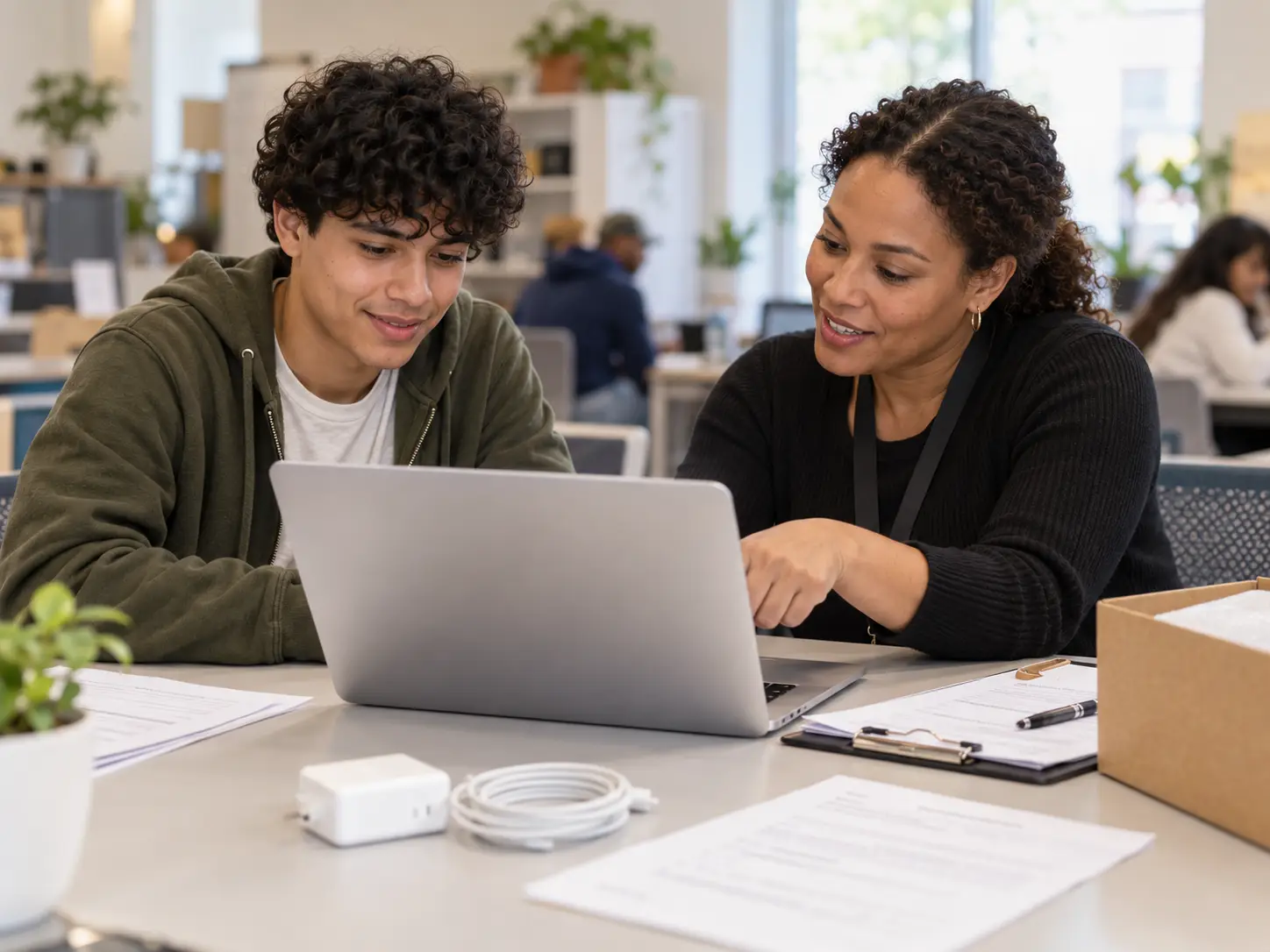
Free MacBook with EBT, SNAP or Medicaid: what those searches really mean
SNAP, EBT and Medicaid do not contain a built-in MacBook benefit. They can, however, help document household eligibility for a separate low-income computer program. That distinction keeps expectations realistic.
If a nonprofit or local device program accepts SNAP, Medicaid or an income threshold, you may qualify for its available computer inventory. But qualification for the program does not mean the inventory will be Apple. Windows business laptops and Chromebooks are often more common because they are donated in larger numbers and cost less to refurbish.
If SNAP is your strongest route, use our free laptop with EBT page. If Medicaid is the better fit, use our Medicaid laptop page. Apply through whichever route the real program recognizes, not through a page that promises an Apple model before showing eligibility rules.
Disability services and vocational rehabilitation can be a stronger MacBook route
For some students and job seekers with disabilities, the key issue is not household income. It is whether specific technology is needed to participate in education, training or employment.
College disability services can determine what auxiliary aids or effective accommodations are appropriate for an eligible student. Separately, state vocational rehabilitation systems help eligible people with disabilities prepare for, obtain or retain employment. Technology can be part of an individualized plan when it is necessary and approved.
A MacBook is not automatically required just because someone has a disability. A counselor or school may approve another effective device if it meets the documented need. If macOS-specific software, accessibility workflow or training requirements make Apple hardware important, explain that requirement clearly and provide supporting documentation.
Apple education pricing can lower the cost, but it is not a free MacBook program
Apple operates a US Education Store with special pricing for eligible education customers. Apple currently describes higher-education students, newly accepted students, parents purchasing for an eligible higher-education student, and education employees among the groups that can qualify under its education terms.
This is useful when you already know you want a new Mac and can pay the remaining cost. It is not the same thing as a school grant, nonprofit device program or government benefit. Education pricing reduces the purchase price on eligible products; it does not turn a MacBook into a no-cost device.
Promotions also change during the year. Treat limited-time gift cards or back-to-school offers as temporary extras rather than the core reason to choose a device.
How to evaluate a refurbished MacBook before you accept it
A refurbished MacBook can be a strong option, especially when a new device is outside the budget. The most important question is whether the machine will remain usable for your school or work long enough to justify the effort or cost.
- macOS support: confirm the model can run a supported version of macOS for your required apps.
- Activation Lock: the device should not be tied to someone else's Apple Account.
- Battery health: ask about battery condition and whether the battery needs service.
- Memory: 8 GB may work for basic use, but heavier creative or development workflows can benefit from more.
- Storage: make sure the internal storage is enough for coursework, media or software requirements.
- Charger: confirm an appropriate charger is included and works reliably.
- Keyboard, display and ports: inspect for damage, dead pixels, sticky keys and loose ports.
- Warranty or return terms: even a short written return window is better than no policy.
MacBook Air vs MacBook Pro vs “any MacBook”: keep the model expectation realistic
A legitimate program may know that it has “Apple laptops” without promising a specific model. If the device is donated or refurbished, available inventory may include older Intel models, Apple silicon MacBook Air units, mixed storage sizes or cosmetic wear.
Students doing writing, browsing, general coursework and video calls usually do not need a MacBook Pro. Creative media, software development, engineering or specific department software can justify a more capable configuration, but the required specifications should come from the actual program or school.
If a page guarantees a brand-new MacBook Pro Max configuration to every applicant based only on public-benefit status, verify who funds the offer before submitting personal information.
How to improve your chances of getting the right MacBook route
Use two or three relevant channels at the same time instead of waiting on one broad giveaway form.
Write down why you need Apple specifically
Identify the class, software, accessibility workflow or job-training requirement. If any reliable laptop will work, say that too.
Ask your school or training provider first
Check department, IT, library, financial aid, disability services and emergency student funds before submitting outside applications.
Use your strongest eligibility route
Student status, financial need, SNAP, Medicaid, disability, workforce enrollment or local residency can point to different programs.
Separate “free device” from “discount”
Know whether you are applying for a grant, loaner, donated device, discounted refurbished Mac or education pricing.
Verify hardware before committing
Check model year, macOS support, battery, activation status, memory, storage, charger and return rules.
Keep a strong alternative ready
If Apple inventory is unavailable, a supported Windows laptop may solve the immediate school or work problem faster.
For the general process of documents, program ownership and application checks, use our free laptop application steps.
What if you cannot get a free MacBook?
The right fallback is the best reliable laptop that meets your actual requirements, not necessarily the closest-looking Apple substitute.
- Use a school or library loaner while you wait for a longer-term device.
- Consider a refurbished business-class Windows laptop with a current operating system and warranty.
- If your coursework is browser-based, a Chromebook may be enough, but confirm testing and software compatibility first.
- If macOS is genuinely required, ask your school whether remote Mac labs, campus labs or department equipment are available.
- Do not take on unnecessary debt just to match a brand preference when a less expensive device meets the requirement.
Related searches this page covers
These queries share the same core intent but can lead to different programs depending on whether the user is a student, low-income household, disabled applicant or buyer looking for a reduced-cost Apple laptop.
Frequently asked questions about free MacBooks
Can I really get a free MacBook in 2026?
Sometimes, but there is no universal federal MacBook giveaway. School-issued devices, institutional grants, disability or vocational programs, local computer programs and occasional refurbished Apple inventory are the most realistic routes.
Is there a free government MacBook program?
No single nationwide federal program gives a MacBook to every eligible household. Government-connected education, disability, workforce or local programs may help with technology, but the brand and model are usually not guaranteed.
Can college students get a free MacBook?
Some can. Colleges may issue MacBooks, lend laptops, provide department equipment, offer institutional technology grants or maintain emergency device programs. The strongest first stop is the student's own school.
Does Pell Grant automatically pay for a MacBook?
No. Pell Grant is not a MacBook voucher. Your full financial aid package, school cost policies and institutional programs determine what help is available for required technology.
Can I get a free MacBook with EBT or SNAP?
SNAP or EBT can help prove eligibility for some separate low-income computer programs, but they do not guarantee Apple hardware. A standard or refurbished Windows laptop is more common.
Can Medicaid qualify me for a MacBook?
Medicaid may be accepted as eligibility proof by some separate computer programs. It does not automatically provide or guarantee a MacBook.
Is Apple education pricing the same as a free MacBook program?
No. Apple education pricing is a discount for eligible education customers. The remaining purchase price still has to be paid.
Can vocational rehabilitation pay for a MacBook?
A state vocational rehabilitation program can fund services or technology tied to an approved employment plan for an eligible individual with a disability. Whether a specific MacBook is approved depends on documented need, state rules and available effective alternatives.
Are refurbished MacBooks worth considering?
Yes, when they have supported macOS, acceptable battery health, no activation lock, enough memory and storage, a working charger and a clear return or warranty policy.
What should I do if I cannot get a MacBook?
Choose the most reliable laptop that meets your school or work requirements. A supported refurbished business laptop can solve the immediate need faster than waiting indefinitely for a specific Apple model.
Official sources checked for this update
External references are kept to the few sources needed to verify Apple education pricing, student-aid context and disability or vocational program structure. School funding, local inventory and device rules can change during the year.